Photo delivery
The photosyour friendstake of you.
Everyone in the photo gets their own copy, right away. No recipients to pick, nothing to send.



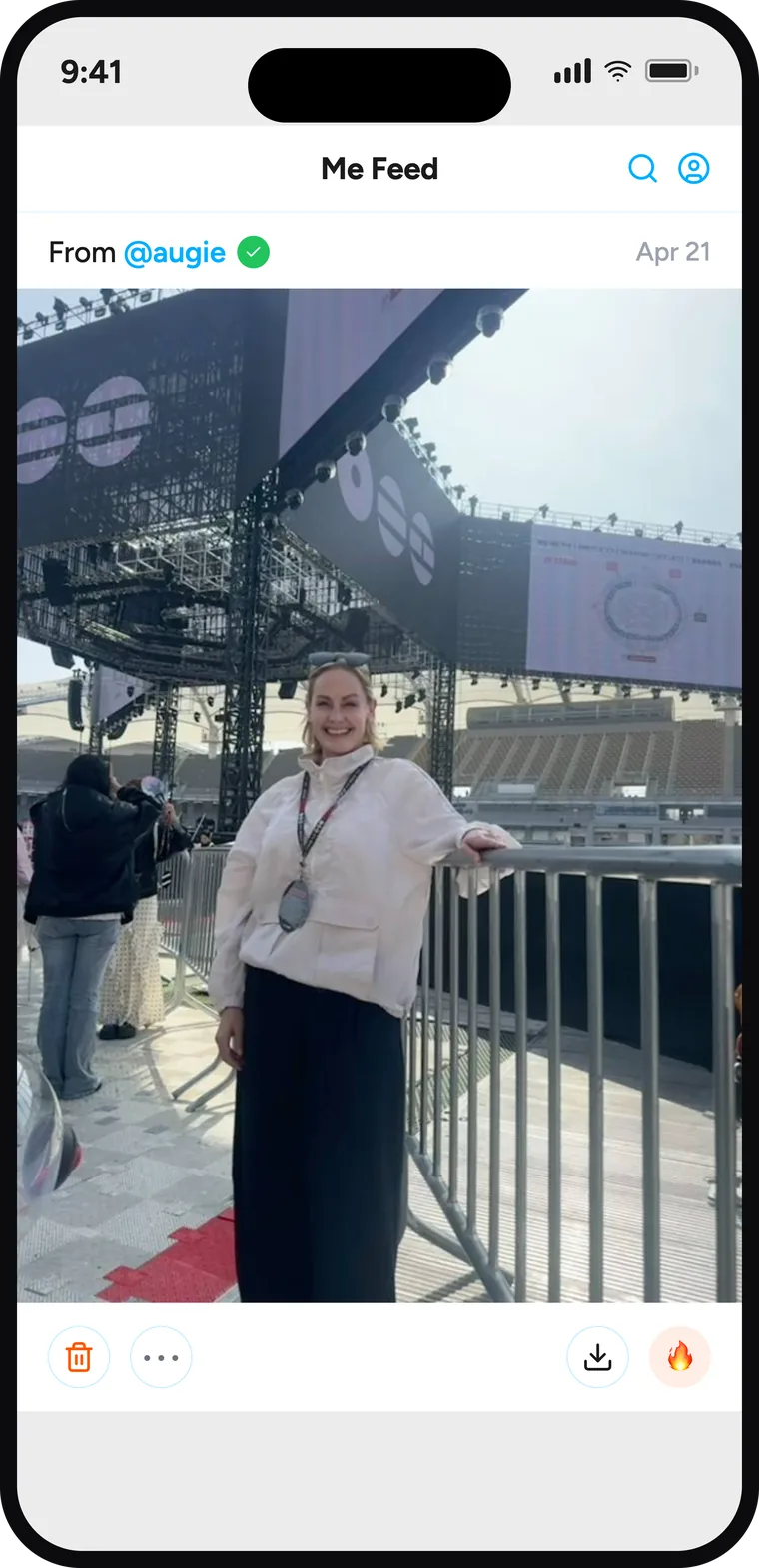

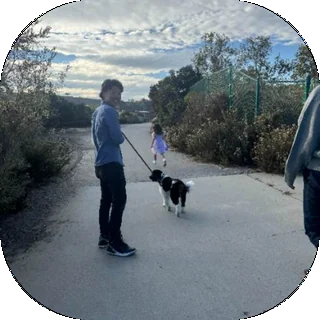


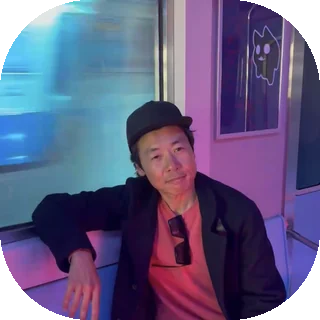
Photo delivery
Everyone in the photo gets their own copy, right away. No recipients to pick, nothing to send.
“You’re in hundreds ofphotos you’ll never see.”
Someone just took a photo of you. Now it’s on your phone.
Someone caught you mid-laugh. You didn’t take it, didn’t ask for it, didn’t know it existed.
Your friends take photos, the people in them get them, and nothing is ever asked of you in return.
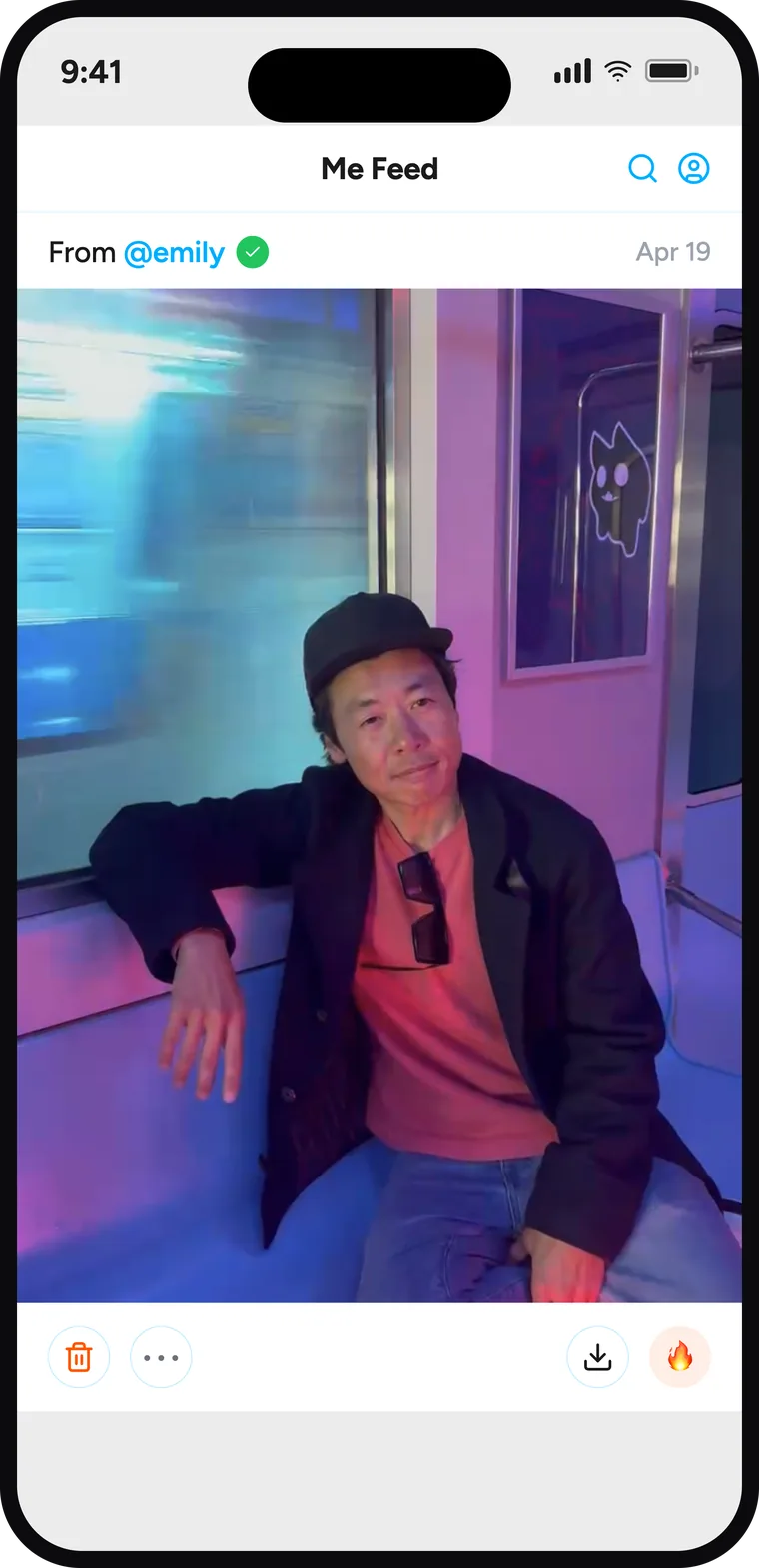
Everyone in it who’s on HiFriends gets their own copy, right away. No recipients to pick, nothing to send.
HiFriends can check the last 24 hours of your camera roll. A photo is only uploaded and delivered if you or a friend is in it. Entirely optional.
Tap delete on any photo you’re in and it’s gone from everyone’s HiFriends, including the person who took it. You don’t have to ask.
That changes how people shoot. Your friends take the ridiculous one because you can always delete it.


There’s no count on anything, nobody can see who’s popular, and nothing is ranked or recommended.
Photos of you land in a feed only you can open. Nothing is public unless you decide to publish it to your friends.
It’s less like social media and more like someone who was there handing you the photo.
Think about who takes the most pictures of you. Your partner, your best friend, someone in your family. They’re the people you’re actually around.
When one of them is on HiFriends, you’re already getting photos you’d never have seen. Every one after that is more of your own life coming back to you.

Support
Something not working, or a question we haven’t answered? Email support@hifriends.ai — a real person reads it.
Sign in with your username or email and your password. HiFriends never uses your face to sign in. If you’ve forgotten your password, tap “Forgot password?” on the login screen and we’ll email you a 6-digit code. Still stuck? Email support@hifriends.ai.
Open your Me Feed and tap the trash icon under the photo. If you’re in the photo, deleting it removes it from everyone’s HiFriends — including the person who took it.
Tap the “…” on any photo someone else took, or open their profile and tap the “…” in the top right. You’ll find Block and Report in either place. Reports are reviewed within 24 hours.
Settings → Delete Account. It permanently removes your account, your face data, and every photo you took on HiFriends.
Only to work out who’s in them, so they can be delivered. Photos are never altered or generated, and never used to train anything.
It’s used for one thing: getting photos of you delivered to you. It’s never sold, never used for advertising, and it’s destroyed when you delete your account.